

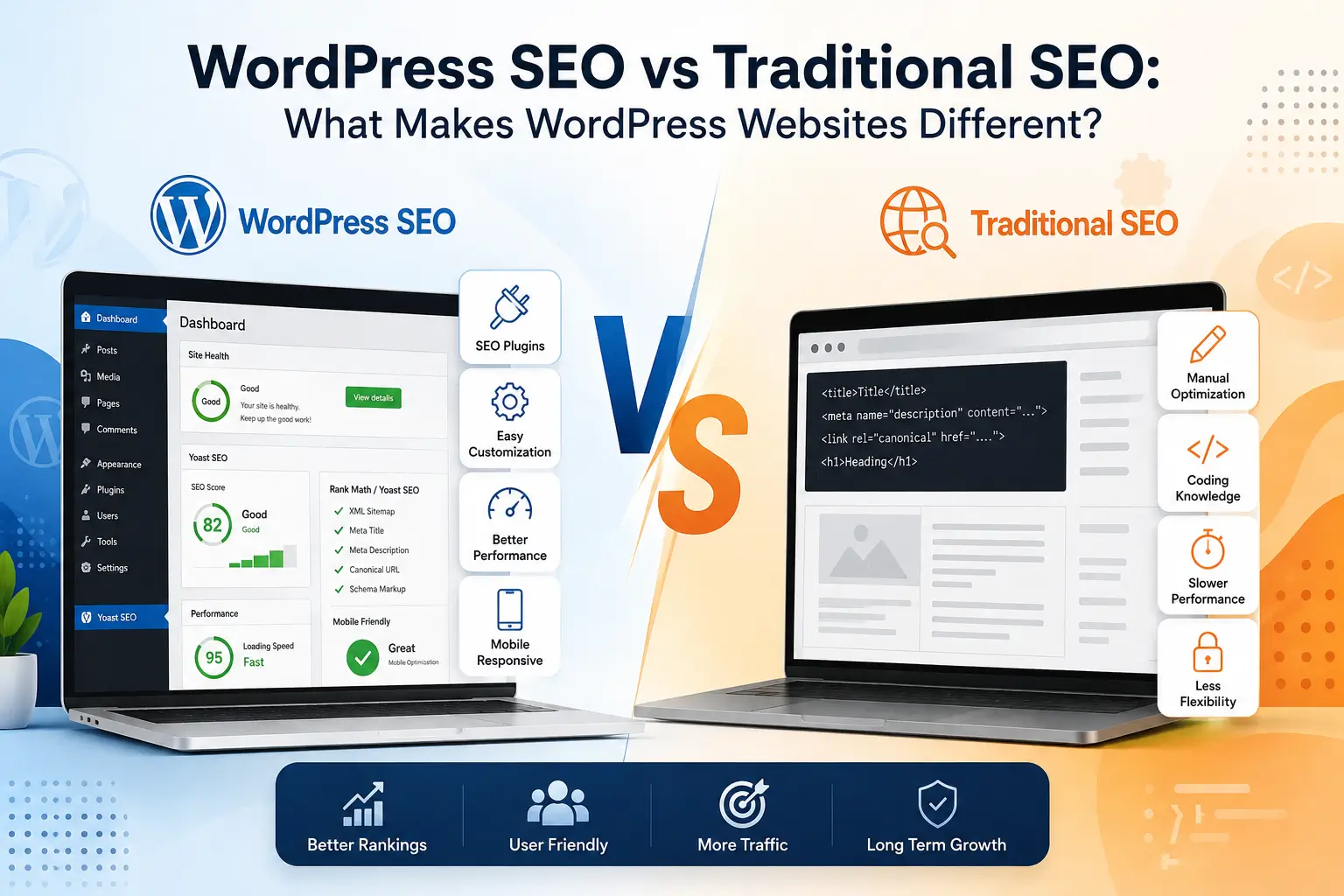
If you run a WordPress website, you may wonder whether you need a different SEO strategy from that for a website built on another platform. The short answer is yes—and no.
The core principles of search engine optimization remain the same: search engines need to crawl, understand, and rank your website based on its relevance, quality, authority, and user experience.
However, WordPress SEO comes with its own technical considerations. Themes, plugins, URL structures, content management settings, performance, schema, and site architecture can all influence how well a WordPress website performs in search results.
Understanding these differences can help you build a more effective SEO strategy and avoid common WordPress SEO problems.
What Is WordPress SEO?
WordPress SEO is the process of optimizing a WordPress website to improve its visibility in search engines such as Google and attract more relevant organic traffic.
It includes many of the same SEO practices used on other websites, including:
- Keyword research
- On-page SEO
- Technical SEO
- Content optimization
- Internal linking
- Mobile optimization
- Link building
- Local SEO
- Schema markup
- Website performance optimization
The difference is that WordPress provides a unique environment in which themes, plugins, content settings, and WordPress-specific technical factors can affect SEO performance.
What Is Traditional SEO?
Traditional SEO refers to the broader process of optimizing a website for search engines, regardless of the platform or content management system it uses.
A traditional SEO strategy typically focuses on:
- Target keyword research
- Search intent
- Content quality
- Website architecture
- Technical SEO
- Backlinks
- Page experience
- Mobile usability
- Search engine indexing
- Authority and relevance
These principles still apply to WordPress websites.
The difference is that WordPress provides additional tools and technical layers that can make SEO implementation easier in some areas—but more complicated in others.
WordPress SEO vs Traditional SEO: What’s the Difference?
The biggest difference is not the SEO fundamentals. It is how those fundamentals are implemented.
A WordPress website can be highly SEO-friendly, but poor configuration can create unnecessary problems such as duplicate URLs, slow pages, indexation issues, broken internal links, or poorly structured content.
Here are some of the key areas where WordPress SEO requires special attention.
1. WordPress Themes Can Affect SEO
Your WordPress theme controls much more than the visual appearance of your website.
A poorly developed theme can introduce:
- Excessive code
- Slow loading times
- Poor mobile responsiveness
- Improper heading structures
- Unnecessary JavaScript
- Layout shift issues
- Accessibility problems
A lightweight, well-coded theme can provide a much stronger foundation for SEO.
This is why WordPress website optimization should consider both design and technical performance.
2. Plugins Can Help or Hurt SEO
One of the biggest advantages of WordPress is its huge ecosystem of plugins.
SEO plugins can make it easier to manage:
- Meta titles
- Meta descriptions
- XML sitemaps
- Canonical URLs
- Schema markup
- Robots directives
- Social metadata
However, installing too many plugins can also create problems.
Poorly configured or unnecessary plugins may:
- Increase page load time
- Create duplicate functionality
- Generate unwanted URLs
- Cause conflicts
- Add unnecessary scripts
- Create technical SEO issues
Therefore, effective WordPress SEO optimization is not about installing more plugins. It is about using the right tools and configuring them correctly.
3. WordPress URL Structure Needs Attention
A clean URL structure helps search engines and users understand your website.
For example:
example.com/wordpress-seo-services/
is generally more useful than a complicated URL containing unnecessary parameters or numbers.
WordPress allows you to customize permalink structures, but this does not mean every website automatically has an ideal URL structure.
A proper WordPress SEO strategy should review:
- Permalink settings
- Category URLs
- Tag URLs
- Attachment URLs
- Pagination
- Redirects
- Canonical URLs
- Duplicate pages
A well-planned URL structure can make a website easier to crawl and understand.
4. WordPress Site Structure Matters
A WordPress website can quickly grow into hundreds or even thousands of pages.
Without proper organization, important pages may become buried deep within the website.
A strong structure should make it easy for users and search engines to move between related content.
For example:
- WordPress SEO
- Technical SEO
- Keyword Research
- On-Page SEO
- Core Web Vitals
- Local SEO
- Schema Markup
This type of topical structure helps establish clear relationships between pages.
Internal linking is therefore an important part of SEO for WordPress websites.
5. Core Web Vitals and WordPress Performance
Website speed is another area where WordPress SEO can require specialized attention.
WordPress websites can become slow because of:
- Heavy themes
- Too many plugins
- Large images
- Unoptimized JavaScript
- Excessive CSS
- Poor hosting
- Third-party scripts
- Improper caching
A slow website can negatively affect user experience and make it harder to deliver a strong page experience.
That’s why WordPress performance optimization should include more than simply installing a caching plugin.
You may need to optimize the theme, scripts, images, database, hosting configuration, and overall page architecture.
6. Schema Markup and Structured Data
Schema markup helps search engines better understand the content and purpose of a webpage.
Depending on the website, you may use structured data for:
- Organizations
- Local businesses
- Products
- Services
- Articles
- Reviews
- Events
- FAQs
WordPress plugins can help implement schema, but automatic schema is not always enough.
For more advanced websites, custom schema markup may be necessary to accurately describe specific content and entities.
7. WordPress Content Management Makes SEO Easier
One major advantage of WordPress is that it makes content publishing relatively simple.
You can create and manage:
- Blog posts
- Service pages
- Landing pages
- Categories
- Author pages
- Product pages
- Media content
This makes WordPress a strong platform for building topical authority.
However, easy publishing can also lead to content problems.
Publishing large amounts of low-quality, repetitive, or poorly optimized content will not automatically improve rankings.
The focus should be on creating useful content that satisfies search intent and supports the overall website topic.
8. Technical SEO Requires Regular Monitoring
A WordPress website is not something you optimize once and forget.
Changes to plugins, themes, URLs, content, or website settings can create new SEO problems.
Regular technical SEO checks can identify:
- Broken links
- Indexing issues
- Redirect problems
- Duplicate content
- Missing metadata
- Crawl issues
- Slow pages
- Orphan pages
- Incorrect canonical tags
- Sitemap problems
Regular monitoring helps keep the website technically healthy as it grows.
Is WordPress Good for SEO?
Yes. WordPress is an excellent platform for SEO when it is properly configured and optimized.
WordPress provides many SEO-friendly features and gives website owners considerable control over content, URLs, site structure, metadata, and technical settings.
However, simply using WordPress does not guarantee higher rankings.
Your results still depend on factors such as:
- Content quality
- Search intent
- Technical SEO
- Website performance
- Site structure
- Internal linking
- Backlinks
- Competition
- Authority
- User experience
In other words, WordPress is SEO-friendly—but the website still needs a proper SEO strategy.
Common WordPress SEO Problems That Can Hurt Rankings
Some WordPress websites struggle to rank because of relatively simple technical or structural issues.
Common problems include:
Slow Website Speed
- Heavy themes, plugins, images, and scripts can make pages unnecessarily slow.
Poor Internal Linking
- Important pages may receive very few internal links, making them harder to discover and understand.
Duplicate Content
- Categories, tags, archives, parameters, and other URLs can sometimes create duplicate or low-value pages.
Incorrect Indexing
- Important pages may accidentally be blocked from search engines, while low-value pages may remain indexable.
Poor URL Structure
- Long, unclear, or inconsistent URLs can make site architecture harder to understand.
Missing or Incorrect Schema
- Structured data may be missing, duplicated, or incorrectly implemented.
Thin Content
- Pages with little useful information may struggle to compete against stronger results.
Plugin Overload
- Too many plugins can increase complexity, slow down the website, and introduce technical conflicts.
How to Optimize a WordPress Website for SEO
A strong WordPress SEO strategy should cover the entire website rather than focusing on one SEO element.
A practical optimization process can include:
- Perform a complete WordPress SEO audit.
- Research relevant keywords and search intent.
- Improve website architecture and URL structure.
- Optimize page titles and meta descriptions.
- Improve headings and on-page content.
- Build strategic internal links.
- Optimize images and media.
- Improve Core Web Vitals and page speed.
- Fix crawlability and indexing issues.
- Implement relevant schema markup.
- Optimize content for topical authority.
- Monitor rankings, traffic, and technical issues.
This approach creates a stronger foundation for long-term organic growth.
When Should You Hire a WordPress SEO Expert?
DIY SEO can work for smaller websites with straightforward needs.
However, professional help can become valuable when your website:
- Has hundreds of pages
- Has technical SEO problems
- Is not ranking despite good content
- Has experienced a traffic decline
- Has complex site architecture
- Runs WooCommerce
- Targets competitive keywords
- Needs local SEO
- Requires advanced schema
- Needs Core Web Vitals optimization
- Wants to build long-term organic growth
A Best SEO expert can identify technical and strategic issues that may not be obvious from the WordPress dashboard.
WordPress SEO vs Traditional SEO: The Bottom Line
WordPress SEO is not a completely different type of SEO.
The fundamental principles remain the same: create useful content, understand search intent, build authority, maintain a technically healthy website, and provide a strong user experience.
What makes WordPress different is the platform itself.
Themes, plugins, permalinks, site architecture, performance settings, content management features, and WordPress-specific technical issues all influence how SEO is implemented.
That is why a successful WordPress website needs more than an SEO plugin. It needs a complete WordPress SEO strategy that combines technical optimization, content, site structure, performance, and ongoing improvement.
Ready to Improve Your WordPress Website’s SEO?
If your WordPress website is struggling to rank, the problem may not be your content alone. Technical issues, poor site structure, slow performance, indexing problems, or weak internal linking can all limit organic growth.
A professional WordPress SEO service can help identify these issues and create a strategy built around your website’s goals.
Explore our WordPress SEO Services to learn how we can help optimize your WordPress website for better visibility, rankings, and sustainable organic growth.
Frequently Asked Questions About WordPress SEO
Q1. Is WordPress good for SEO?
- Yes, WordPress is an SEO-friendly platform that gives you strong control over content, URLs, site structure, metadata, and technical optimization. However, simply using WordPress does not guarantee higher rankings. Proper technical SEO, content optimization, internal linking, performance, and ongoing monitoring are still important.
Q2. What is the difference between WordPress SEO and traditional SEO?
- The fundamental SEO principles are the same, but WordPress websites have platform-specific considerations. Themes, plugins, permalink settings, WordPress site structure, performance, schema, and indexing settings can all affect SEO. This is why WordPress SEO often requires optimization beyond standard on-page SEO practices.
Q3. Can WordPress plugins improve SEO?
- Yes. SEO plugins can help manage important elements such as meta titles, meta descriptions, XML sitemaps, canonical URLs, and some types of schema markup. However, plugins alone cannot create a successful SEO strategy. At WP Fix Plan, we focus on the overall website—including technical SEO, content, performance, site architecture, and user experience.
Q4. Why is my WordPress website not ranking on Google?
- Several factors can prevent a WordPress website from ranking, including poor keyword targeting, weak content, technical SEO problems, slow page speed, poor internal linking, indexing issues, weak site structure, or strong competition. A complete WordPress SEO audit can help identify the specific problems limiting your website’s organic visibility.
Q5. How can I improve SEO on my WordPress website?
- Start by improving your website structure, targeting relevant keywords, optimizing titles and content, improving internal linking, fixing technical SEO issues, optimizing images and Core Web Vitals, and implementing appropriate schema markup. For more complex websites, working with a professional WordPress SEO company can help create a more comprehensive strategy.
Q6. Do I need a WordPress SEO expert for my website?
- Not every website needs professional SEO help. Smaller websites with basic requirements can often handle fundamental optimization themselves. However, if your website has technical issues, hundreds of pages, competitive keywords, poor rankings, or complex SEO requirements, a WordPress SEO expert can help identify and resolve problems more efficiently.
Q7. Can WP Fix Plan help improve my WordPress website’s SEO?
- Yes. WP Fix Plan provides WordPress SEO services focused on improving technical health, site structure, on-page optimization, website performance, internal linking, schema implementation, and organic search visibility. The goal is to build a technically strong and search-friendly WordPress website that can support sustainable long-term growth.
Conclusion
WordPress SEO follows the same core SEO principles but requires extra attention to themes, plugins, site structure, speed, indexing, and technical optimization. With the right strategy, a WordPress website can achieve strong organic visibility and sustainable growth.
At WP Fix Plan, we combine technical SEO, content optimization, performance improvements, and strategic site architecture to help WordPress websites rank better and attract more qualified traffic.